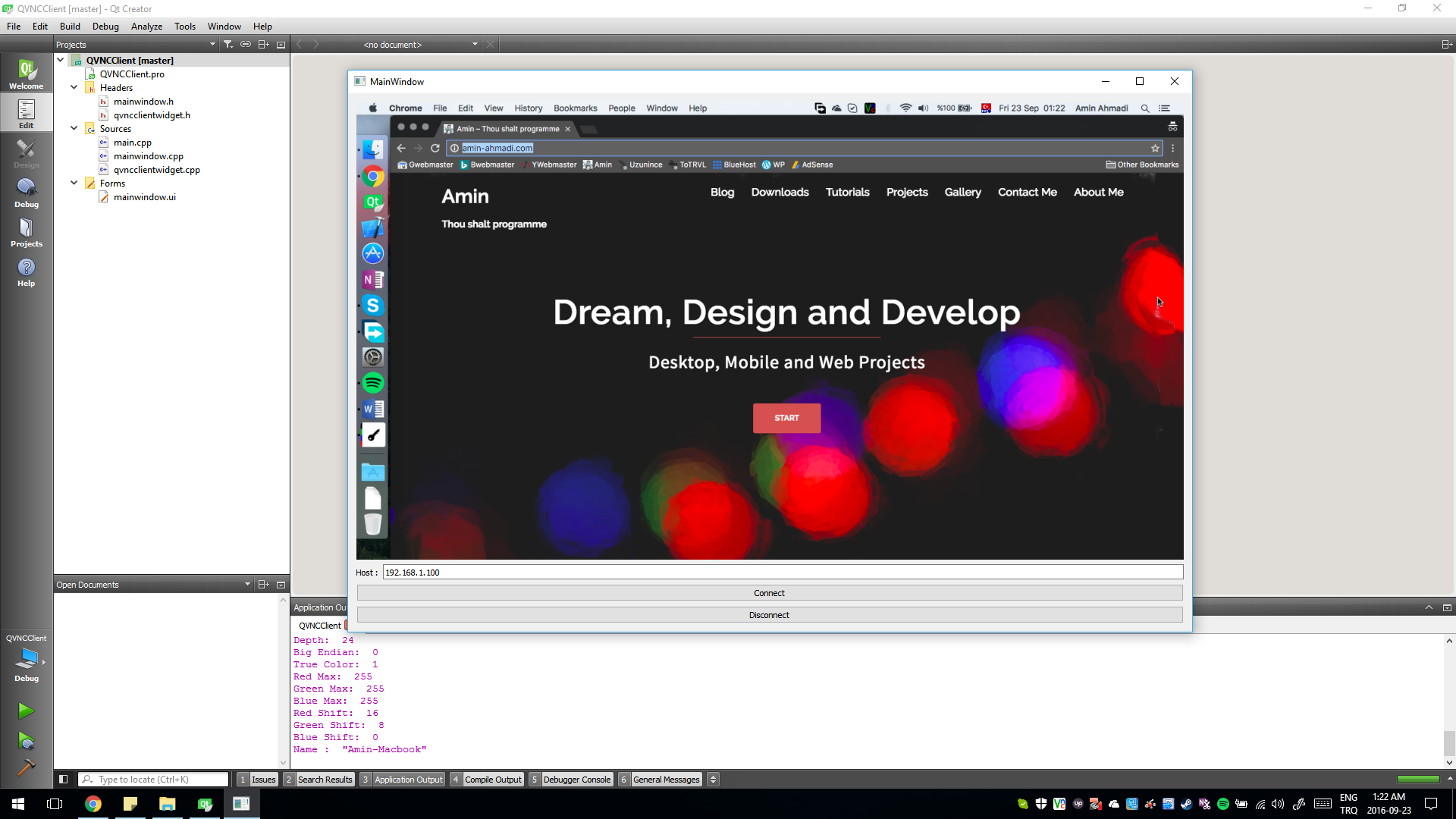
Full Featured VNC Client Widget for Qt

In this post I am going to share a Qt widget that allows full control (view and control) of VNC servers over TCP/IP. Using it is as simple as dropping a QWidget on your user interface and then promoting it to QVNCClientWidget. I needed this recently but was not able to find a Qt widget or any other Qt/C++ code for that matter, that supports VNC Authentication and can be used in a  real cross-platform way. So I had to gather and write this widget piece by piece and make sure it build on all platforms supported by Qt.

Continue reading “Full Featured VNC Client Widget for Qt”

How to Build Qt 5.7 Statically Using MSVC14 (Microsoft Visual Studio 2015)

In this post I will describe how to build Qt 5.7 statically for Windows using MSVC 14 compiler or in other words Microsoft Visual C++ 2015 which is included in Microsoft Visual Studio 2015. Quite obviously you need to install Microsoft Visual Studio 2015 (Community edition is free) before continuing with this guide. You can find it here: https://www.visualstudio.com/

Continue reading “How to Build Qt 5.7 Statically Using MSVC14 (Microsoft Visual Studio 2015)”

Hello Qt, Hello OpenGL, Hello World

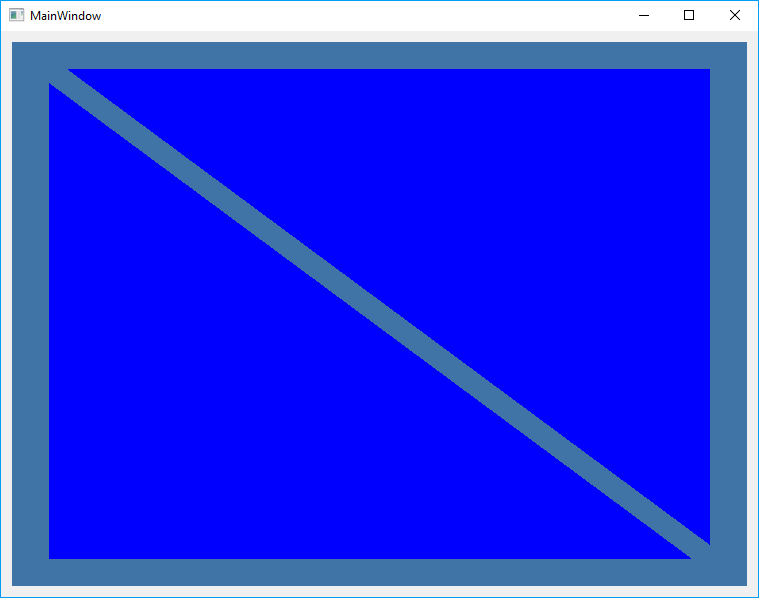
The example project that I am going to share in this post is the absolute beginner guide version of using OpenGL in Qt (Specially Qt5 and latest versions of OpenGL) which to my surprise I could not find anywhere. By checking the existing OpenGL examples in Qt I noticed they all make some assumptions about what you know about OpenGL and then go ahead and describe how to use in in Qt. [I hope, I really do] that is not what you’ll find here. So without further ado here is the most simple example.

Continue reading “Hello Qt, Hello OpenGL, Hello World”

How to Update Your Qt Application’s Taskbar Icon at Runtime

To update a Qt app’s taskbar icon you need to create a QIcon object and assign it using setWindowIcon of the QApplication. Here is very simple example:

qApp->setWindowIcon(QIcon("path-to-an-image-file"));

Notice that you are not required to provide an icon file (*.ico , *.icns etc.) for this function to work and you can use any (standard) image file type such as *.jpg or *.png etc. This function can be called anywhere in the program. You can use this same method along with a QTimer to ANIMATE TASKBAR ICON.

How to make a 32-bit and 16-bit integers using 16-bit and 8-bit integers

You can use the following functions to merge 2 words (16-bit) or 4 bytes (8-bit) into a 32-bit integer. There is also a function which makes a word (16-bit) using two bytes (8-bit). I am using the in my Qt/C++ projects whenever I need them but with a slight change you can use them on your non-Qt projects too.

Continue reading “How to make a 32-bit and 16-bit integers using 16-bit and 8-bit integers”