In Qt, finding the minimum or maximum value in a QList or QVector can be frustrating sometimes and it also will complicate things when you just want a quick and simple minimum and maximum. Use the pieces of codes below to get them with a single line of code.
Continue reading “How to Find Min and Max in a Vector (Qt + STL)”How to Send and Receive JSON Requests in Qt
There are many APIs on the web that accept JSON requests and reply using JSON. An example for this can be most of Google’s API services. For example if you are writing a Qt application that needs JSON interaction with a Google API (such as Google Webmaster API) you can easily send requests and receive responses if you follow these steps.
Istanbul The Great
Just a couple of days ago, a blast rocked one of the most beautiful and highly visited parts of Istanbul and unfortunately it took about ten people’s lives. I was actually passing through a nearby neighborhood at that exact moment and quite obviously I heard the blast loud and clear. It took just a few minutes for all the news outlets to start covering that horrific incident. While I was reading through the news articles and watching the whole thing unfold in the media, I started thinking about Istanbul, this magnificent jewel of a city and its broken heart.
Image Filtering Using Fourier Transform
In Machine Vision there is a magical trick that involves Fourier transformation of an image and I would like to share it with you today. I learned this long ago from a professor of mine but I remember back then there was not much experience and information about this on the web. Also there was no program that allowed experimenting with Fourier transformation of Images, until I developed an Android application titled Image Transformer, using OpenCV and Qt, which allows you to do just that.
Embedding Fonts in Your Qt Application
Whether you are building an application or a game using Qt for desktop or mobile, you probably like to see the same fonts on the target computers or phones that you set during development. Well sometimes the fonts that you have used just don’t exist in target platforms. Follow these simple steps to embed a font in your application and guarantee that it will exactly look the same when your users run them.
Continue reading “Embedding Fonts in Your Qt Application”How to Use Text to Speech in Qt for Windows
Unfortunately for Cross-Platform developers, there is no standard method or API that you can code once and use to have TTS (Text to Speech) in your programs. You may find some 3rd party libraries that allow a great deal of reusability in different Operating Systems but at some point they also prove to do less than what you require. Qt has promised to make this available for us in the near feature but it has been postponed all the time. The main reason is that there is a huge race between major Software companies (Microsoft, Google and Apple) in this field and it seems that they somehow make it work in totally different ways on purpose. So anyway that is why I decided to share the method to have TTS in Qt in all well known operating systems and I am going to start with the easiest one, which is Windows. Continue reading “How to Use Text to Speech in Qt for Windows”
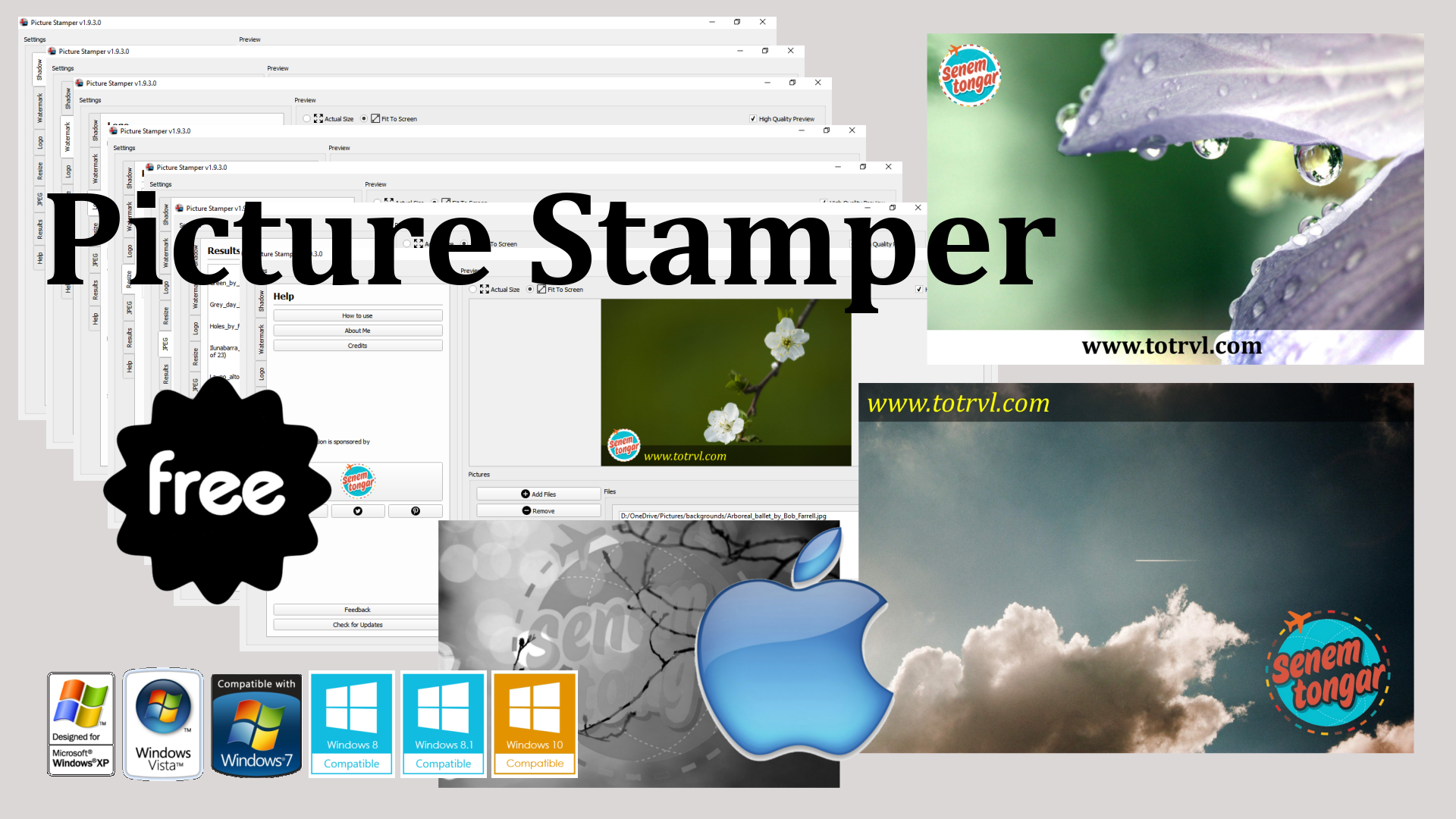
Picture Stamper 2.0.2 for Windows Updated!
There is a new release of Picture Stamper application for Windows users. It addresses a minor bug in the program and also improvements to resize and aspect ratio mode. Also the program is now even more lightweight than before (about 20 MBs)
Head to Picture Stamper page to download this latest release.


How to Get the Position of a Widget in a Cell (QTableWidget)
In this article I describe how you can get the position (row and column) of a Widget in a Cell, or to be precise, how to get row and column of a QWidget in a QTableWidget. This is specially useful in case you have a button or any other widget and you want to perform a task specific to that widget when it is pressed or triggered in any way.
Continue reading “How to Get the Position of a Widget in a Cell (QTableWidget)”How to Set a QLabel color using QColor
Strange as it is, sometimes you need to go through some not-at-all-obvious procedures to solve simple problems such as this. QLabels allow writing and displaying HTML codes so one way of setting a QLabel’s color would be by setting the color as it is done in HTML but in Qt there is another way.
Continue reading “How to Set a QLabel color using QColor”How to Add Drag & Drop Capability in Your Qt Application
Allowing the users of your Qt application (regardless of whatever its purpose is) to use Drag & Drop is a very important aspect of writing easy to use apps and user interfaces. In this post I have described how to add Drag & Drop functionality in your Qt programs with just a few simple steps.
Continue reading “How to Add Drag & Drop Capability in Your Qt Application”