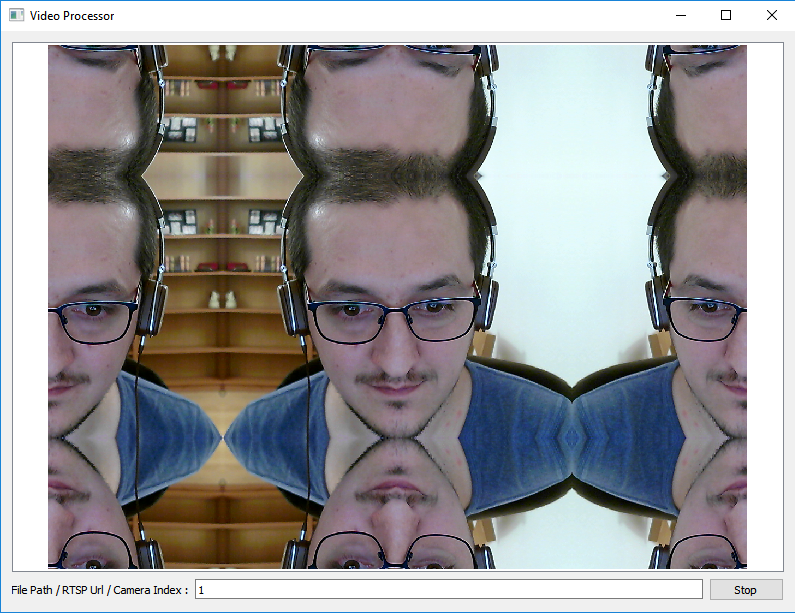
In this post I will describe the process of of reading, performing any arbitrary image processing algorithm and displaying an image read from a video file, camera or RTSP feed using OpenCV , and the same time keeping the user interface (created using Qt) responsive.
Continue reading “How to Read, Process and Display Videos Using Qt and OpenCV”Adding Required Includes and Libs for OpenCV 3.4.1 in qmake Projects
Here is what you need to add to your Qt qmake projects to be able to add and use OpenCV 3.4.1 default set of libraries. I usually add them into a separate *.pri file and include that in my *.pro files to avoid repetition, but that’s up to you. Well, here it is:
Continue reading “Adding Required Includes and Libs for OpenCV 3.4.1 in qmake Projects”How to Create an Image Classifier Using Qt, OpenCV and TensorFlow
[Updated this post on April 04, 2019, to make sure this tutorial is compatible with OpenCV 4.x and TensorFlow 2.0]
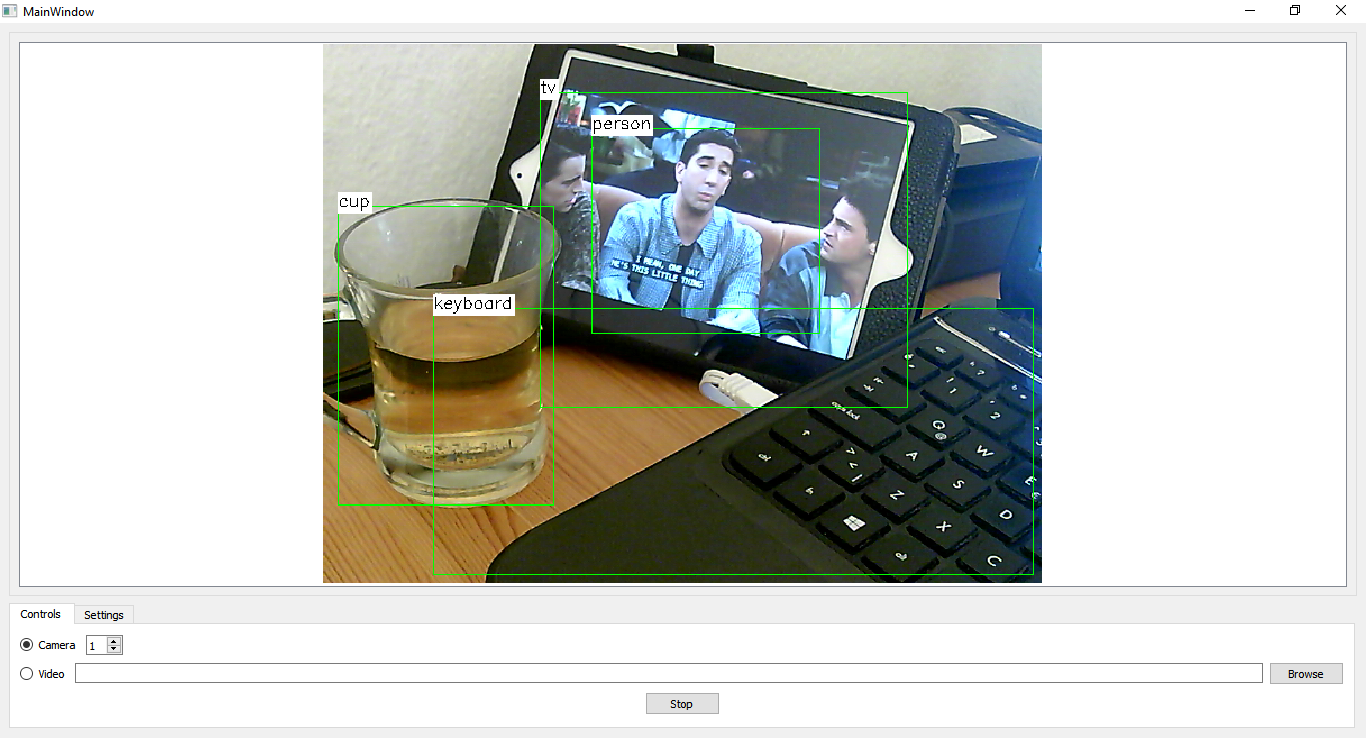
In this post we’re going to learn how to create an image classifier application with a proper GUI that allows the users to choose a camera or a video file as the input and classify the incoming images (video or camera frames) in real time. We’ll be using the power of Qt for cross-platform GUI creation and anything related to visualizing the output and allowing a seamless experience for the user. We’ll also be using TensorFlow and OpenCV to handle the actual classification task, along with accessing cameras and video files.
With the more recent versions of OpenCV, a new module was introduced for handling Deep Learning problems, which is getting better and better by each release. This module is called “dnn” and I recommend getting the latest version of OpenCV (3.4.1 at the time of writing this article) to make sure you face no issues at all (or less issues if any). Using this new module, we can load and use deep learning models from popular 3rd party libraries such as TensorFlow, Caffe, DarkNet and so on. In our example project we’ll use pre-trained TensorFlow models, namely ssd_mobilenet_v1_coco, however, you can easily use other models too if you get a firm grasp on all of the information provided here.
How to Use CMake with Qt5 and OpenCV 3 Projects
Following a number of questions that appear before me every now and then, I decided to write a post about using CMake to create and build projects using Qt5 and OpenCV 3. For those of you who are qmake fans, using CMake doesn’t mean you can’t use Qt Creator to create and build your projects. In fact, after the release of more recent versions of Qt Creator, CMake support is getting better and better, and it’s fair to say that using CMake with Qt Creator 4.5.1 is almost as easy as using qmake.
Continue reading “How to Use CMake with Qt5 and OpenCV 3 Projects”Viewing 3D Models Using Qt
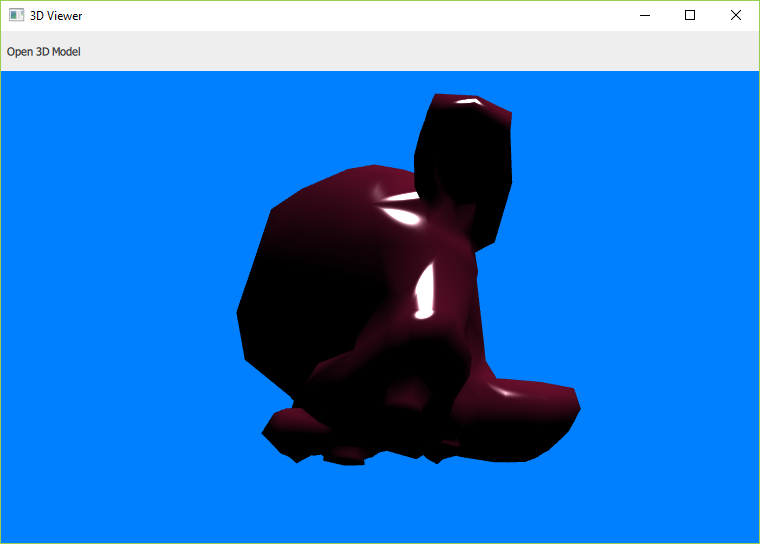
In this post I’ll share an example project that describes how to load and view 3D models using Qt (such as Blender files and so on). The source codes here are tested with Qt 5.9.4 which was released a few days ago.
Continue reading “Viewing 3D Models Using Qt”Object Detection Using Qt, C++, QML and OpenCV
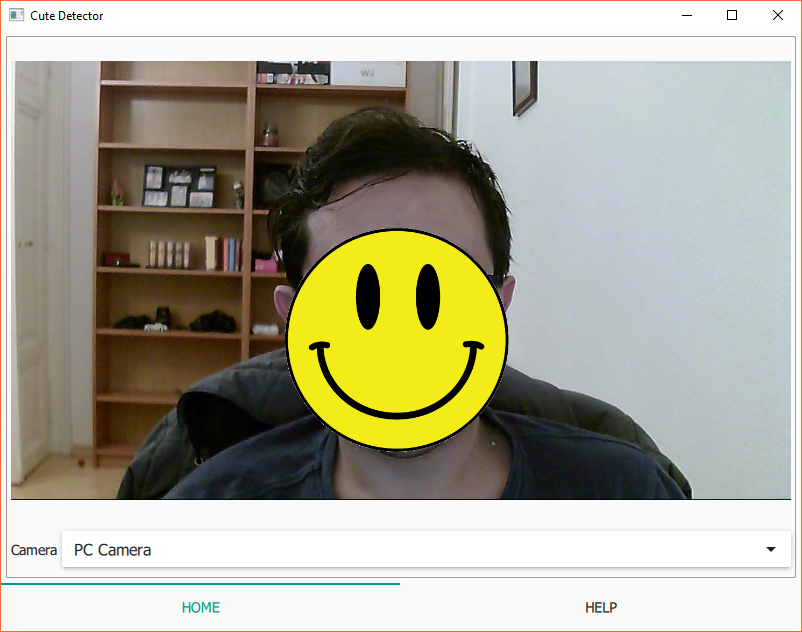
In this post I’ll describe how to combine the power of Qt and OpenCV to develop a good looking and fun object detector. The method explained here contains quite a few things to learn and use in your current and future projects, so let’s get started.
Continue reading “Object Detection Using Qt, C++, QML and OpenCV”How to Access Windows Event Log Using C++ with Qt and Win32 API
In this post I’ll share a method you can use to access and read events in Windows operating system, using C++. Note that this method is modified to be used with Qt, but you can easily replace the few Qt classes used in this example and remove the dependency on Qt if you are using any other frameworks. In any case, this method relies on Win32 APIs and will work only on Windows operating system.
Continue reading “How to Access Windows Event Log Using C++ with Qt and Win32 API”My Amazon Author Page
As we are nearing the publication date of my upcoming book (titled Computer Vision with OpenCV 3 and Qt5), my Amazon Author page is now also reachable using the following link:
Thanks Amazon for this literally short link!
How to Build Qt 5.9.2 Static Using MinGW
You can follow the instructions below to build Qt 5.9.2 from sources using MinGW, and statically. To be able to proceed further, you need to make sure you have all the prerequisites on your PC, which are mentioned in this post, then return here.Assuming that you have taken care of all the requirements, you can start by downloading MinGW and Qt 5.9.2 source codes, or take the better and “recommended” route and simply download both of them using the Qt 5.9.2 all-in-one installer for Windows.
Continue reading “How to Build Qt 5.9.2 Static Using MinGW”Computer Vision with OpenCV 3 and Qt5, Now Available for Preorder
It is one thing to become an author, but it is totally another level of joy, to be published by my most favorite publisher in the computer science industry. So, it is with great pleasure that today I can announce that my upcoming book about OpenCV and Qt is available for preordering on Amazon, and also from PacktPub. It’s titled “Computer Vision with OpenCV 3 and Qt5”, and it aims to teach both computer vision and application development for developers who are familiar with C++ (on an intermediate level), but want to learn about powerful cross-platform frameworks such as Qt and OpenCV with hands-on examples and clear instructions. The book is in its final stages of completion, so I’m also excited to announce that our goal is to make it available by the beginning of 2018 and we are working hard to make it happen. Here are the links to preorder:
https://www.packtpub.com/application-development/computer-vision-opencv-3-and-qt5